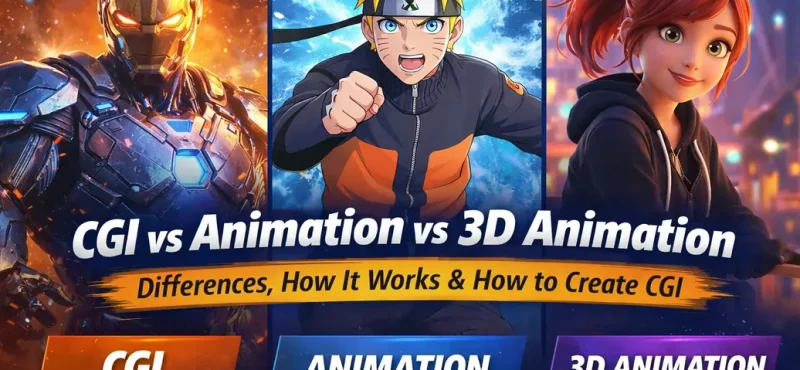
Animation today is not just storytelling. It’s engineering wrapped in emotion. From blockbuster films to Instagram reels, everything you see on screen is powered by a mix of CGI, animation, and 3D animation. They often get mixed up. They shouldn’t.
This guide breaks it down cleanly. No fluff. Just clarity, process, and how studios like Incredimate actually use these tools to create scalable visual content.
What Is CGI Animation?
CGI animation (Computer-Generated Imagery) is any visual content created using computer software. That includes:
- Static images
- Visual effects (VFX)
- Digital environments
- Animated sequences
So when someone asks “what is CGI animation?”, the simplest answer is:
It’s the umbrella. Everything digital lives inside it.
Real-world examples of CGI animation:
- Explosions in films
- Digital cities
- Product ads with hyper-real visuals
- Fantasy creatures
CGI doesn’t always move. It can be static. That’s where confusion starts.
1. Concept & Storyboarding
Define idea, visuals, and scene structure.
2. 3D Modeling
Create characters, objects, and environments.
3. Texturing & Shading
Add materials, colors, and surface details.
4. Rigging & Skinning
Build skeletons for realistic movement.
5. Animation
Bring characters and objects to life.
6. Lighting & Rendering
Set mood and generate final visuals.
7. Compositing & Final Output
Enhance visuals and finalize the scene.
What Is Animation?
Animation is the broader concept of bringing visuals to life through motion.
It includes:
- 2D animation
2D animation uses flat visuals created frame by frame or digitally to simulate movement. It focuses heavily on expressions, timing, and storytelling rather than realism. This style is widely used in cartoons, explainer videos, and social media content because it’s faster to produce and highly engaging.
- Stop motion
Stop motion is created by physically moving objects in small increments and capturing each frame individually. When played in sequence, it creates the illusion of movement. It gives a unique, handcrafted feel but requires significant time and precision.
- Motion graphics
Motion graphics involve animating text, icons, and design elements to communicate ideas visually. It is commonly used in advertisements, presentations, and UI animations. The focus is more on clarity and information delivery rather than character-driven storytelling.
- 3D animation
3D animation creates objects and characters in a three-dimensional space, adding depth, lighting, and realistic movement. It is widely used in films, games, and product visualization. While more resource-intensive, it offers a highly immersive and visually rich experience.
👉 So when people ask “what is the difference between CGI and animation”:
- Animation = Movement concept
- CGI = Technology used to create visuals
CGI is a tool. Animation is the outcome.
What Is 3D Animation?
3D animation is a specific type of animation inside CGI.
It focuses on:
- Creating 3D models
- Adding skeletons (rigging)
- Animating movement
When someone searches “what is the difference between CGI and 3D animation”:
- CGI = entire digital creation process
- 3D animation = only the movement part of 3D elements
Think of it like this:
- CGI = Entire kitchen 🍳
- 3D animation = Cooking process
CGI vs Animation vs 3D Animation (Clear Breakdown)
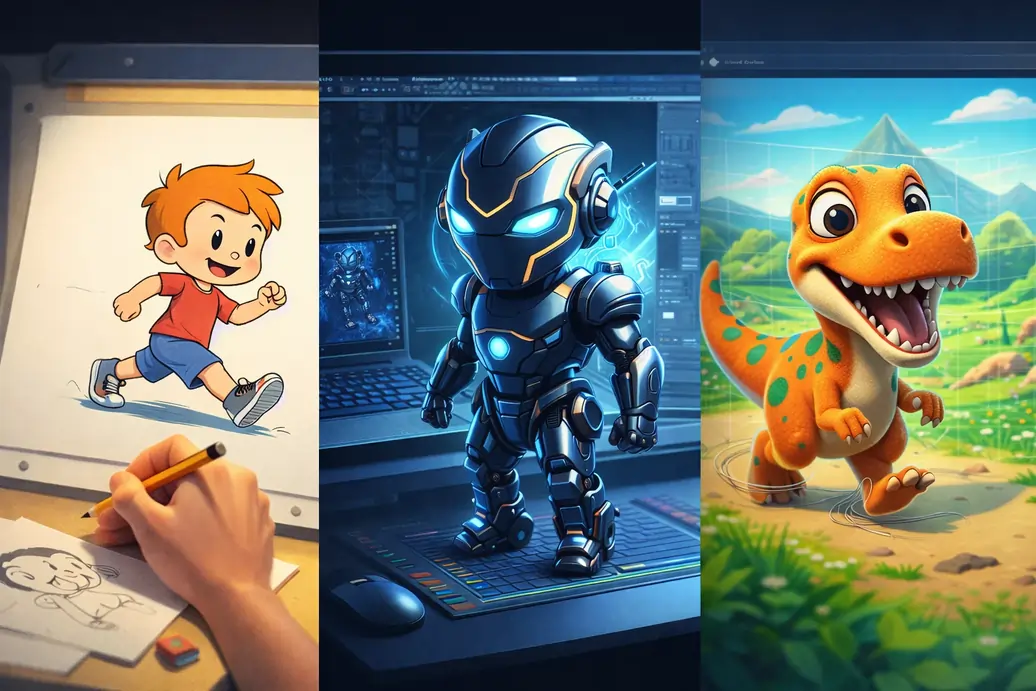
| Aspect | CGI Animation | Animation | 3D Animation |
|---|---|---|---|
| Definition | Digital visuals created using computers | Technique of creating motion | Movement of 3D objects |
| Scope | Very broad | Broad | Specific subset |
| Includes | VFX, rendering, modeling, animation | All animation types | Only 3D movement |
| Focus | Visual creation | Motion | Realistic movement |
| Output | Static + moving | Moving | Moving |
How Does CGI Animation Work?
Now the real engine.
When people search “how does CGI animation work”, they’re looking for the pipeline. Here it is, step by step:
1. Concept & Storyboarding
Everything starts with an idea.
- Sketches
- Scene planning
- Visual direction
This is where storytelling meets structure.
2. 3D Modeling
Artists build digital objects.
- Characters
- Props
- Environments
Think of it as creating a digital sculpture.
3. Texturing & Shading
Now surfaces get life.
- Skin textures
- Fabric details
- Metal reflections
This step answers: Why does this look real?
4. Rigging & Skinning
Characters get a skeleton.
- Joints
- Movement controls
Without this, nothing moves.
5. Animation
This is where motion begins.
- Walking
- Jumping
- Expressions
Keyframes or motion capture are used here.
6. Lighting & Rendering
Lighting creates mood.
Rendering converts 3D scenes into final images.
7. Compositing & Post-Production
Final polish.
- Color grading
- Effects
- Integration with real footage
How to Create CGI Animation (Practical Guide)
If you’re searching “how to create CGI animation” or “how to create CGI animation step by step”, here’s a practical roadmap:
Step 1: Choose Software
Popular tools:
- Blender (free)
- Autodesk Maya
- Cinema 4D
Step 2: Start with Basics
- Learn modeling
- Understand lighting
- Practice simple animations
Step 3: Create Small Projects
Start with:
- A bouncing ball
- Simple character walk cycle
Step 4: Learn Rendering Optimization
Rendering is heavy.
This is where tools like Fox Renderfarm come in.
They allow:
- Faster rendering
- Cloud processing
- Scalability
Instead of your PC melting, you offload work to powerful servers.
Step 5: Build a Portfolio
Focus on:
- Short clips
- High-quality visuals
- Shareable content
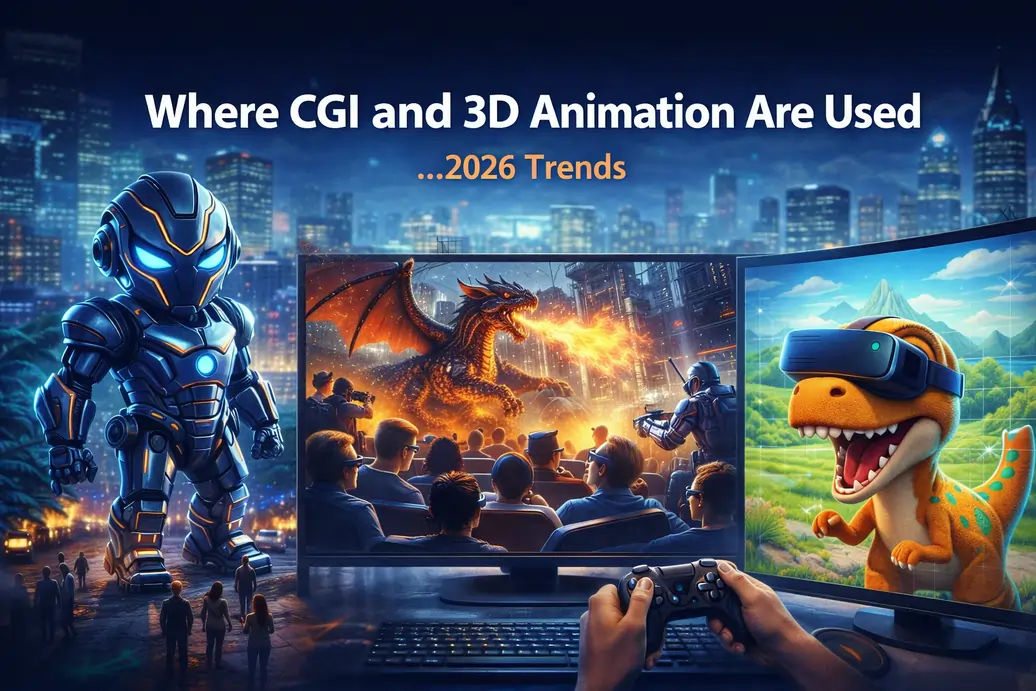
Where CGI and 3D Animation Are Used (2026 Trends)
These technologies are everywhere:
Gaming
CGI and 3D animation play a critical role in modern gaming by creating realistic environments and interactive characters that enhance player immersion. Advanced CGI animation techniques allow developers to simulate physics, lighting, and textures, making game worlds feel alive and responsive. In 2026, most high-end games rely heavily on 3D animation to deliver cinematic experiences and real-time interactions.
- Realistic environments
- Interactive characters
Films & OTT
In films and OTT platforms, CGI animation is used to create full digital scenes, visual effects, and hybrid live-action + CGI sequences. From fantasy worlds to action-packed sequences, CGI allows filmmakers to produce visuals that are impossible to shoot in real life. 3D animation adds depth and realism to characters and environments, making storytelling more engaging and visually compelling.
- Full CGI scenes
- Hybrid live-action + CGI
Advertising
CGI animation has transformed advertising by enabling high-quality product visualization and hyper-real commercials. Brands use 3D animation to showcase products with perfect lighting, angles, and details that are difficult to achieve in traditional shoots. This makes CGI animation a cost-effective and scalable solution for creating premium marketing content.
- Product visualization
- Hyper-real commercials
Architecture
In architecture, CGI and 3D animation are used for pre-construction visualization, allowing clients to see buildings, interiors, and landscapes before they are built. These CGI animation models help architects present realistic designs, improve decision-making, and reduce costly errors during construction.
- Pre-construction visualization
Medical & Education
CGI animation and 3D animation are widely used in medical and educational fields for simulations and training visuals. Complex concepts like human anatomy, surgical procedures, and scientific processes are easier to understand through animated visuals. This improves learning outcomes and provides safe, controlled environments for training.
- Simulations
- Training visuals
2026 Industry Insights
- Over 80% of modern films rely heavily on CGI
- Short-form animated content is growing fastest on YouTube
- Brands prefer CGI for cost-effective product visualization
Why Understanding This Matters (For Brands Like Incredimate)
For a studio like Incredimate, the difference between CGI, animation, and 3D animation is not academic. It’s strategic.
- CGI helps create visual assets at scale
- 3D animation helps build engaging storytelling
- Animation overall helps drive audience retention
The real advantage lies in combining all three into a content engine:
- Short-form videos
- Ad creatives
- Brand characters
Pro Insight: The Rendering Bottleneck
Rendering is where most projects slow down.
Using services like Fox Renderfarm allows:
- Faster turnaround
- High-quality output
- No hardware limitations
For studios and freelancers, this is a massive efficiency boost.
Final Thoughts
Here’s the simplest way to remember everything:
- CGI = Technology
- Animation = Movement
- 3D Animation = Moving 3D objects
Together, they form the backbone of modern visual storytelling.
In 2026, the creators who win are not just artists.
They are:
- Technically aware
- Platform-focused
- Speed-optimized
And most importantly, they understand how to turn ideas into visuals at scale.
FAQs
1. What is CGI animation?
CGI animation refers to visual content created using computer software. It includes everything from static images and visual effects to fully animated sequences. CGI is widely used in films, games, advertising, and digital content creation.
2. What is the difference between CGI and animation?
The difference between CGI and animation is that CGI is a technology used to create digital visuals, while animation is the process of adding movement to those visuals. CGI can be static or animated, but animation always involves motion.
3. What is the difference between CGI and 3D animation?
The difference between CGI and 3D animation is that CGI is a broad term covering all computer-generated visuals, whereas 3D animation is a specific part of CGI that focuses on creating movement in 3D models and environments.
4. How does CGI animation work?
CGI animation works through a structured pipeline that includes concept design, 3D modeling, texturing, rigging, animation, lighting, rendering, and compositing. Each step contributes to transforming digital assets into realistic or stylized visuals.
5. How to create CGI animation?
To create CGI animation, you need to use software like Blender, Maya, or Cinema 4D. The process involves learning modeling, rigging, animation, and rendering. Beginners should start with simple projects and gradually move to complex scenes.
6. Is CGI the same as animation?
No, CGI is not the same as animation. CGI refers to computer-generated visuals, while animation is the technique of making those visuals move. CGI can exist without animation, but animation often uses CGI.
7. Where is CGI animation used in 2026?
In 2026, CGI animation is widely used in films, OTT platforms, video games, advertising, architecture, medical simulations, and social media content like YouTube Shorts and Instagram Reels.
8. Which software is best for CGI animation?
Some of the best CGI animation software in 2026 include Blender (free), Autodesk Maya (industry standard), and Cinema 4D (motion graphics). The choice depends on your skill level and project needs.